Knowledge That Never Goes Offline
Wikipedia, AI, maps, and education tools running on your own hardware — completely free. No internet required.
What is Project N.O.M.A.D.?
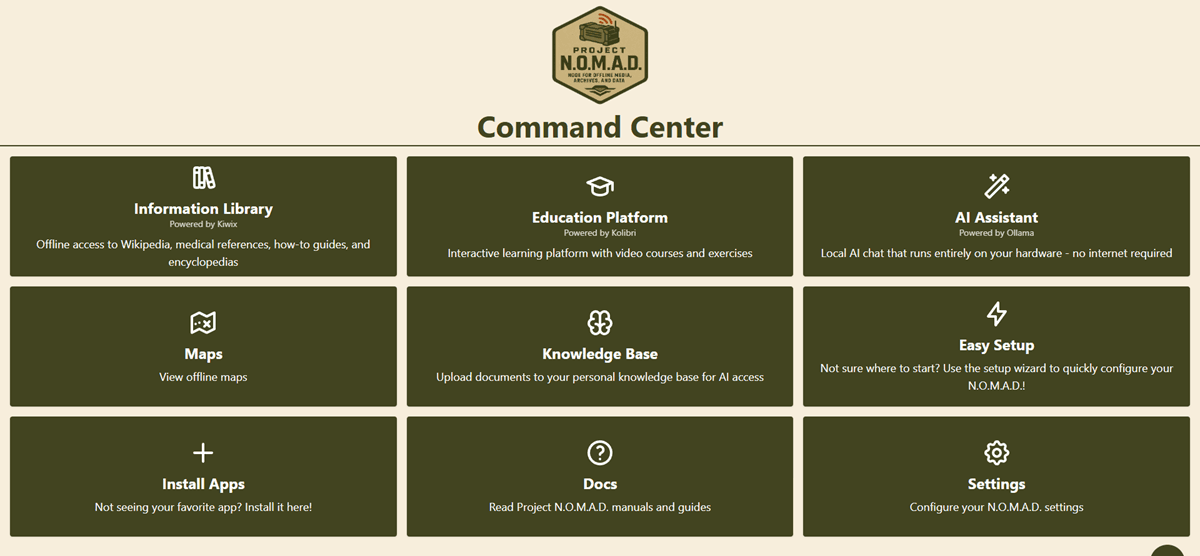
Node for Offline Media, Archives, and Data — a free, open source offline server you install on any computer. Download the content you want, and it works without internet — forever. Similar products cost hundreds of dollars. Project NOMAD is free.
Offline Knowledge
Wikipedia, guides, medical references
Local AI
Run LLMs completely offline
Offline Maps
Navigate without cell service
Education
Khan Academy & courses offline
Built For Those Who Prepare
Whether you're planning for emergencies or living off-grid, Project NOMAD has you covered.
Emergency Preparedness
When infrastructure fails, NOMAD keeps working. Medical references, survival guides, and encyclopedic knowledge — no internet required.
Off-Grid Living
Cabin, RV, or sailboat — bring a complete library, AI assistant, and offline maps wherever you go. True digital independence.
Tech Enthusiasts
Run local LLMs, self-host your knowledge base, own your data. Built for beefy hardware and those who want full control.
Education
Khan Academy, Wikipedia for Schools, and more — complete learning resources for families anywhere, even without connectivity.
What's Inside
Project NOMAD bundles best-in-class open source tools into one cohesive system.
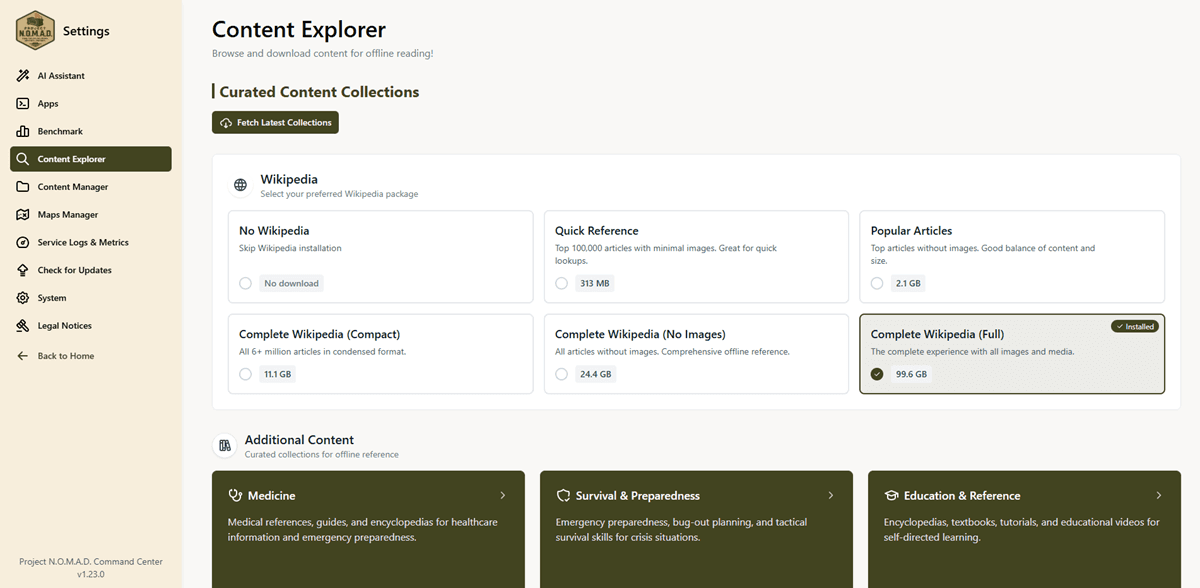
Information Library
Powered by Kiwix
Offline Wikipedia, Project Gutenberg, medical references, repair guides, and more — terabytes of human knowledge at your fingertips.
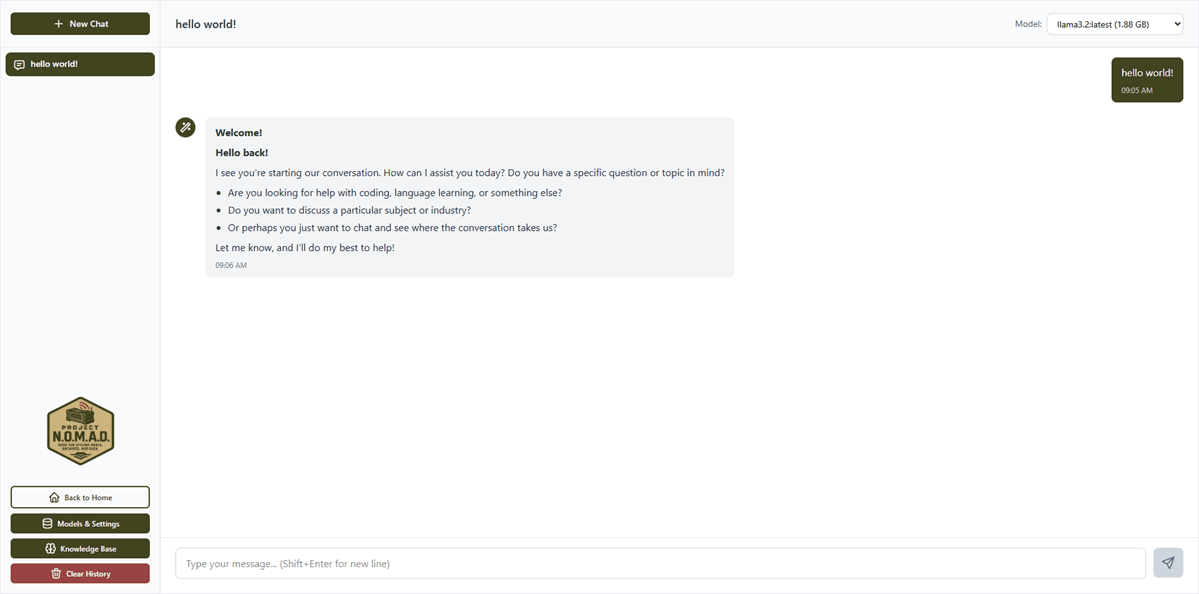
AI Assistant
Powered by Ollama
Run powerful large language models completely offline. Chat, write, analyze, code — all without sending data anywhere.
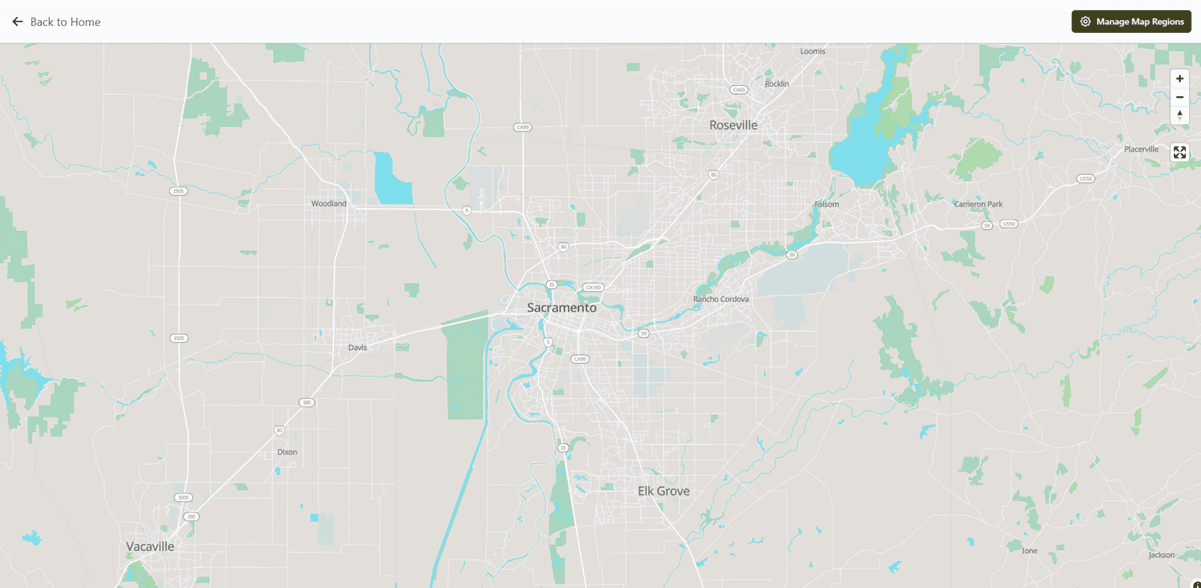
Offline Maps
Powered by OpenStreetMap
Full offline mapping with OpenStreetMap data. Navigate, plan routes, and explore terrain without any cell service.
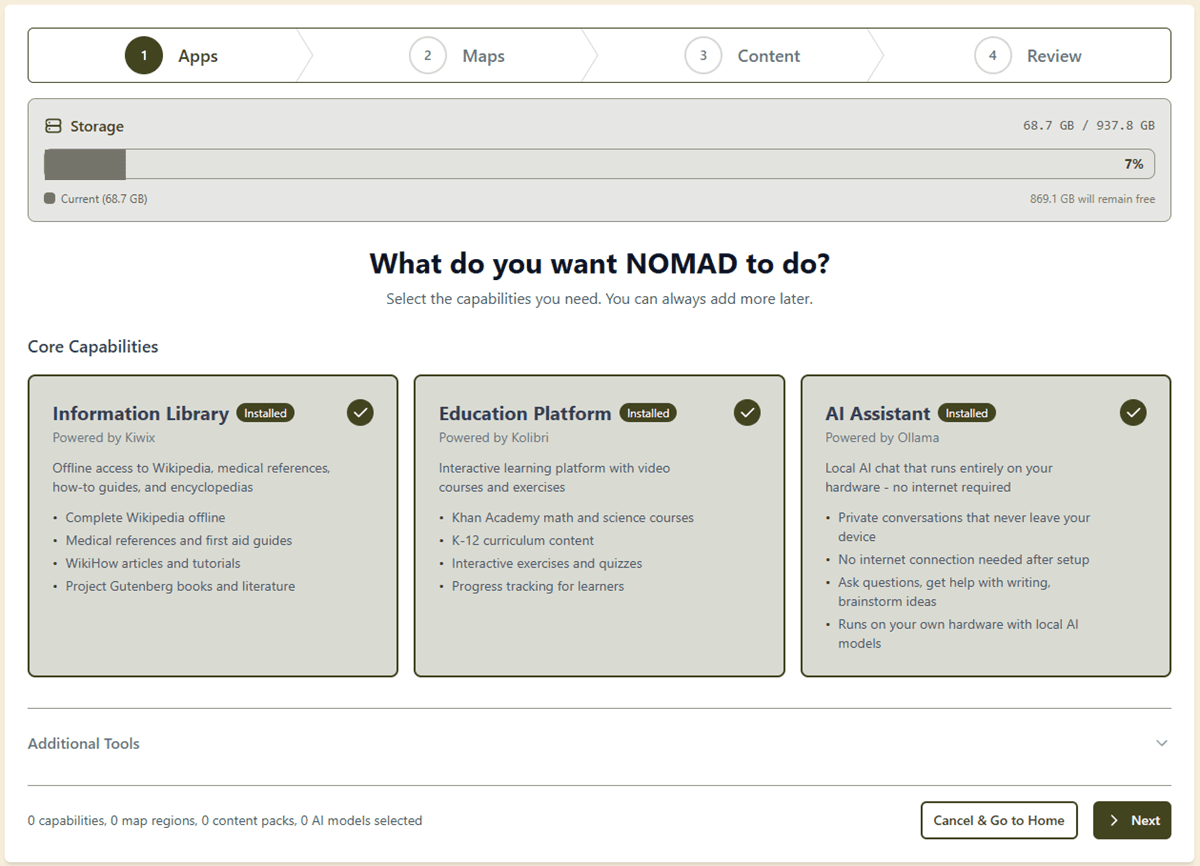
Education Platform
Powered by Kolibri
Khan Academy courses, educational videos, interactive lessons — complete K-12 curriculum available offline.
Why Project NOMAD?
Other offline products charge hundreds and lock you into specific hardware. Project NOMAD runs on any PC you choose — with GPU-accelerated AI — for free.
Price
AI Capability
Hardware
Content Library
Offline Maps
Education
Open Source
Upgradeable
Built for Robust Hardware
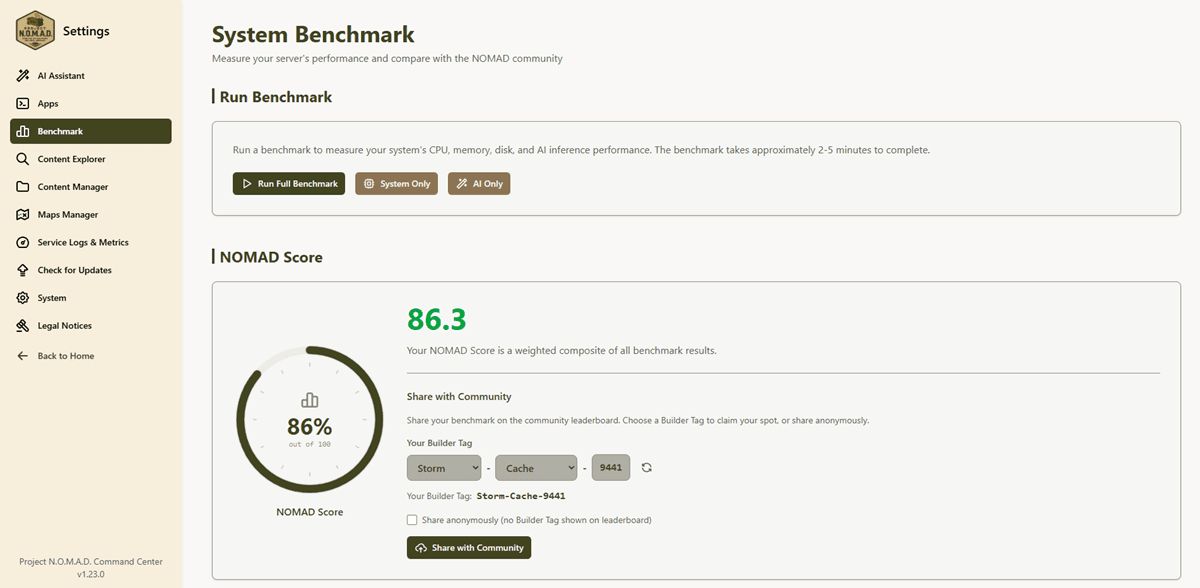
NOMAD runs on serious hardware so you get serious AI. While other offline products are stuck on Raspberry Pis, NOMAD supports GPU-accelerated inference on models with real intelligence. Community builds range from refurbished desktops to GPU-powered rigs scoring 10 to 95 on the NOMAD Benchmark.
Looking for something lightweight for a Raspberry Pi? Check out projects like Internet in a Box. Project NOMAD is for when you want the full experience.
Recommended Specs
Ubuntu or Debian-based Linux recommended. Windows support via Docker Desktop for development.
Install in 60 Seconds
One command on any Ubuntu or Debian machine. Project NOMAD handles the rest.
$ curl -fsSL https://raw.githubusercontent.com/Crosstalk-Solutions/project-nomad/main/install/install_nomad.sh -o install_nomad.sh && sudo bash install_nomad.shRequires Ubuntu 22.04+ or Debian 12+. Docker is installed automatically if needed.
Ready to Go Offline?
Project NOMAD is free, open source, and ready to deploy. Get started in minutes with a single command.
Get Project NOMAD Free on GitHubGet Project NOMAD Updates
New content packs, AI model recommendations, and hardware guides. No spam, unsubscribe anytime.